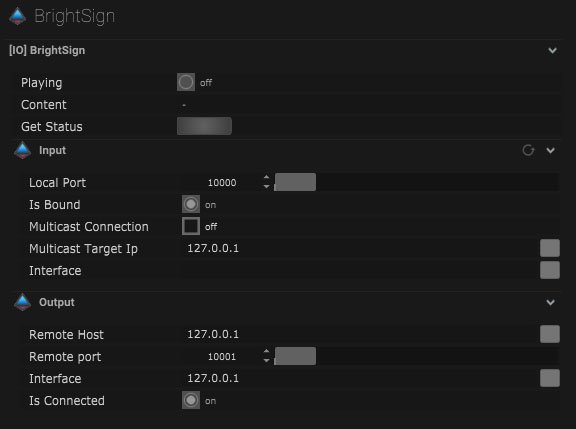

Bright Sign Setup
| Name | Description |
|---|---|
| Playing | When on the content is playing. |
| Content | The active contents name will be displayed here. |
| Get Status | By pressing this button the status of the active content will be displayed. |
Input
| Name | Description |
|---|---|
| Local Port | This is the port that will receive data from other devices. |
| Is Bound | This will be on when the IO connection is bound to a network. |
| Multicast Connection | When on, data can be sent to multiple recipients. |
| Multicast Target IP | This is where the IP address of the multicast can be entered. |
| Interface | This is the IP address of the local network interface (NIC) which should be used for this connection. |
Output
| Name | Description |
|---|---|
| Remote Host | This is where the target IP address of the host can be input. |
| Remote Port | This is the port that the data package will be sent to. |
| Interface | This is the IP address of the local network interface (NIC) which should be used for this connection. |
| Is Connected | When on the device is connected. |