

Joystick Ranger Setup
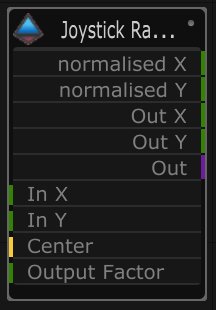
| Name | Description |
|---|---|
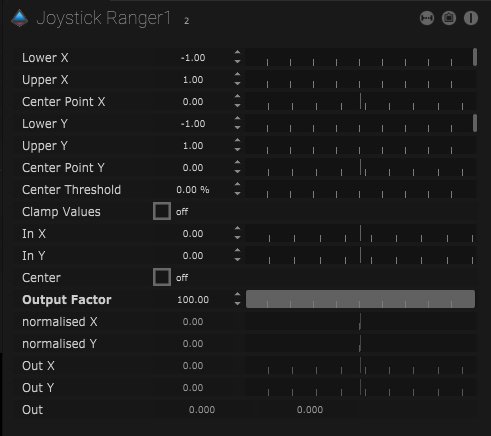
| Lower X | The lower or minimum X value range can be set. |
| Upper X | The upper or maximum X value range can be set. |
| Center Point X | The center point along the X range can be set. |
| Lower Y | The lower or minimum Y value range can be set. |
| Upper Y | The upper or maximum Y value range can be set. |
| Center Point Y | The center point along the Y range can be set. |
| Center Threshold | The center point can be increased by a percentage. |
| Clamp Values | |
| In X | The input X value will be displayed here. |
| In Y | The input Y value will be displayed here. |
| Center | When on the values will be centered. |
| Output Factor | The range of the output values can be altered here. At 100 the full range of input values will be output. |
| Normalised X | The normalised value converts the output to values between 0 and 1. |
| Normalised Y | The normalised value converts the output to values between 0 and 1. |
| Out X | The X value output will be displayed here. |
| Out Y | The Y value output will be displayed here. |
| Out | The XY values are output from the node here. |
Layout
| Name | Description |
|---|---|
| Position | The position of the node on the board can be set using XY values. |
| Size | The size of the node, width and height can be set here. |